MIDI Controllers for iPad (2026) (Best Controllers, How to Connect Them)
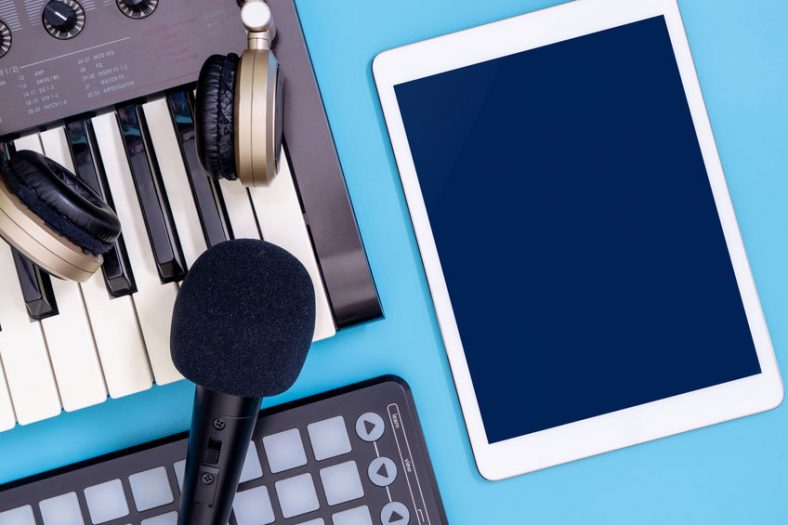
iPads are a very viable option to use for both music production and live performances. Some musicians now use iPads as full-on music workstations, without the need for a laptop at all. But, if you want to use an iPad in such a manner, it helps to use a MIDI controller.
In this article, I’ll talk about how to connect a MIDI controller to your iPad as well as some recommended MIDI controllers. Also, it’s worth checking out some MIDI Controller Apps for your iPad/iPhone.
My top recommended MIDI Controller for iPad is the Korg nanoKEY2 Black. This is a sleek-looking and very capable MIDI controller.
My second recommended MIDI controller for iPad is the IK Multimedia iRig Keys 2 Pro. Its full-size keys and included iPad cables suit players who want more room than a mini keyboard gives them.
Contents
Recommended MIDI Controllers for iPad (2026)
All of the MIDI controllers below work with iPads. When purchasing a MIDI controller, check with the manufacturer to ensure that it will work with iPads. In general, if the controller has a class-compliant USB connection then it should work (this means that the device does not need any special drivers in order to work).

Let’s compare these in more detail.

1. Korg nanoKEY2 Black
Korg is a household name in the keyboard world so it’s no surprise to find them on this list. The Nanokey2 is part of the larger Nano series, with several different types of controllers. Let’s take a look at the keyboard one. There are pads and DAW controllers as well.
This controller looks different from others because of its beautiful, sleek design. The keys are split into two rows, with black keys on the top, which makes music playing a bit easier. The keys themselves are rubber and feel very nice when played. This controller is connected and powered through a USB cable and is compatible with most of the DAWs on the market.
On the left of the keyboard, you will find pitch and octave buttons allowing you to change the sound of your device quickly. Also, you will find mod and sustain buttons, which is a nice addition. This is a nice, semi-professional, affordable solution for anyone looking to have a small, compact controller that is easy to use.

2. IK Multimedia iRig Keys 2 Pro
The iRig Keys 2 Pro is IK Multimedia’s full-size-key choice in this family. Its 37 velocity-sensitive keys give you more room to play than the 25-key Mini or the standard 37-mini-key version, although the larger case takes up more desk and travel space. The headphone output and MIDI input and output make it useful beyond a simple keyboard controller.
It includes Lightning, USB-C, and USB-A to micro-USB cables, so you can connect it to different generations of iPad and to a computer. It also has a pedal input, pitch and modulation wheels, and controls for changing programs and octaves. The full-size keys are a better fit if you want to play parts with both hands rather than just tap in notes.
3. Akai Professional MPK Mini IV Gray
The Akai MPK Mini IV follows the MPK Mini MKII we reviewed earlier. It keeps 25 velocity-sensitive mini keys and eight performance pads, while adding separate pitch and modulation wheels, eight assignable knobs, a colour display and a USB-C connection. The compact layout still makes sense when you need a keyboard and drum pads beside an iPad.
Akai says the MPK Mini IV can send class-compliant MIDI to a compatible iPad over USB-C. Its bundled desktop software does not run on iPadOS, so use a compatible iPad music app for sounds and sequencing. Lightning iPads need the appropriate Apple adapter and may need external power.
The MPK Mini IV also has a sustain pedal input and a 5-pin MIDI output for other gear. Its pads and controls offer more hands-on beat-making than the slimmer nanoKEY2, but the Akai takes up more space and its bundled software is aimed at computers.

4. IK Multimedia iRig Pads
Another IK Multimedia device on this list, the iRig Pads is the pads-only controller, the only one on this list. It has 16 large, backlit, velocity-sensitive pads. Apart from that, you will get two MIDI knobs, a large slider, and a data button.
It connects directly to Lightning iPads with the supplied cable, while a 30-pin cable is available separately for older devices. It also has an expression or sustain pedal input. For a USB-C iPad, check the cable or adapter you need before buying. The iRig Pads is a useful traveling choice when you want pads rather than a piano-style keyboard.
How to Connect A MIDI Controller to an iPad
There are several ways to connect a MIDI controller to an iPad. Check whether your iPad has USB-C or Lightning, then match its port to the controller’s USB connector and power needs. Here are the main options:
Camera Adapter (USB to Apple Lightning, USB to Apple 30-pin)

 The second way is to use an Apple camera adapter, such as the USB to Apple Lightning Adapter. These are small adapters that you plug into the iPad with a simple USB port in the back. This is a cheap way to connect your controller to your device, but not without its faults.
Because a lot of these controllers are USB powered, you could end up with a device that can’t take enough power out of your iPad to work. In this case, move on to the next option.
Note: Current iPads commonly use USB-C, while many older models use Lightning and the oldest used 30-pin connectors. Match the adapter to your particular iPad and controller rather than assuming one cable suits every model.
Powered USB Hubs
You could also look to invest in a powered USB hub for iPad. These hubs need to be plugged in separately and don’t need to draw power from the iPad. This also allows for more battery life and more playing time.
iPad Docking Station
There are also docking stations made specifically for iPads, some of which act as an audio interface and MIDI interface. The Alesis iO-Dock was one such example, but it has since been discontinued.
Conclusion
iPads are frequently used for music production and live performances nowadays. They are slowly becoming the norm in the modern music world. Using an iPad for such a purpose, it would be wise to get an accompanying MIDI Controller.
My top recommended MIDI Controller for iPad is the Korg nanoKEY2 Black, a sleek-looking, small, and very capable MIDI controller.
My second recommended MIDI controller for iPad is the IK Multimedia iRig Keys 2 Pro, a 37-key option with full-size keys and direct iPad cable options.
Note: Be sure to check out how to connect your iPad with a MIDI Controller and before buying one, check with the manufacturer to see if the controller will work with your iPad.