The 8 Best DAWs for Linux (2026) – Free and Paid
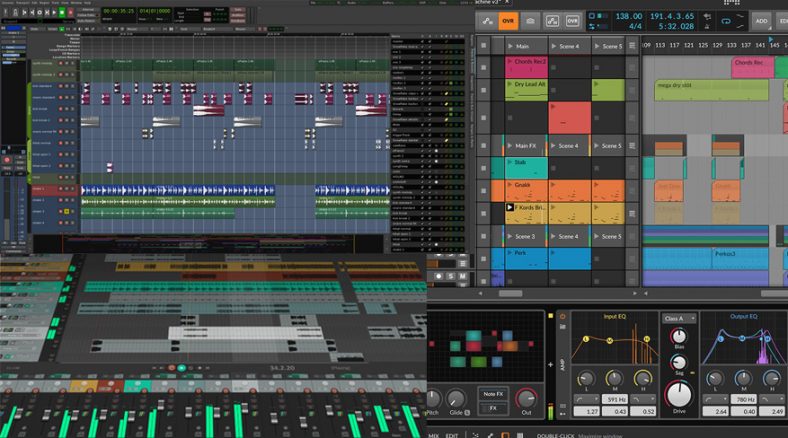
Several Linux DAWs, both free and paid, now exist with fully-fledged audio capabilities. I discuss some of the best options below that are supported on Ubuntu. They may also work on other Linux distros, so be sure to check out the system requirements of each DAW.
Although it has been possible to run Windows applications in Linux via the WINE compatibility layer, it achieves varying degrees of success.
In recent years, some bigger players in both audio software and hardware have also ramped up native Linux support, signaling a shift towards Linux being taken seriously as a pro audio option.
The Linux OS has usually been regarded as a platform reserved for techies and software developers, but for quite some time now, there has been a keen but understated flow of independent and open-source development of audio software for Linux.
Though considered an underdog in audio, a lean Linux setup can leave more resources for audio software.
Contents
1. Ardour
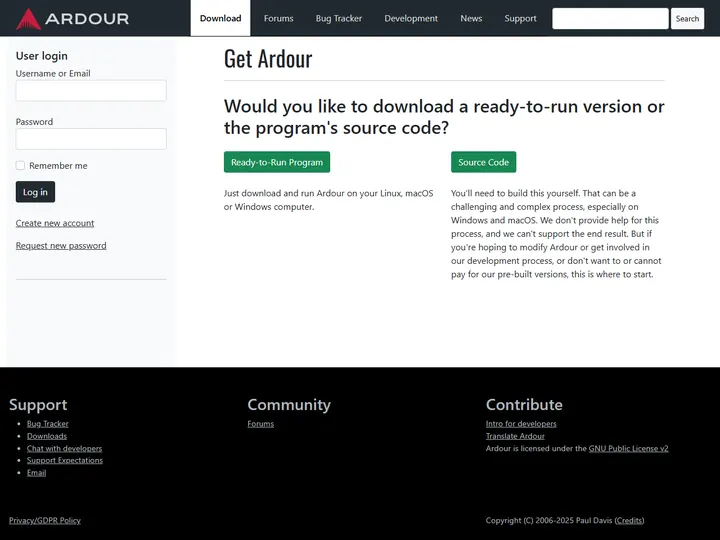
Terms: Free source or distro package; official full installer is paid. Install: Official Linux installer or distribution package. Plugins: LV2, Linux VST2 and VST3.
Ardour is a professional-grade open-source DAW for Linux. Users can build it for their own systems and study or modify the source code freely. It was authored by Paul Davis, who also helped develop JACK, a long-standing part of Linux audio workflows.
You can get Ardour without paying by building it yourself, which can be complex and time-consuming, or by installing a package from your distribution when one is available. That package may be older than the latest release, but it can still be very usable.
The simplest way to get the current ready-to-run program directly from Ardour is through its paid download or subscription. A subscription brings updates while it remains active, while a single payment covers the release terms shown on the download page.
Ardour supports all sophisticated DAW functions like multitrack recording and editing, latency compensation, external controllers, and even transport control functionality to interact with other programs to enable functions like video scoring.
It supports plugins in formats such as LADSPA, LV2, and native Linux VST, including VST3 on current builds. Harrison Mixbus uses Ardour as its core engine and adds Harrison’s own console-style workflow. If you do like using Ardour, supporting its development is worth considering.
2. Bitwig Studio
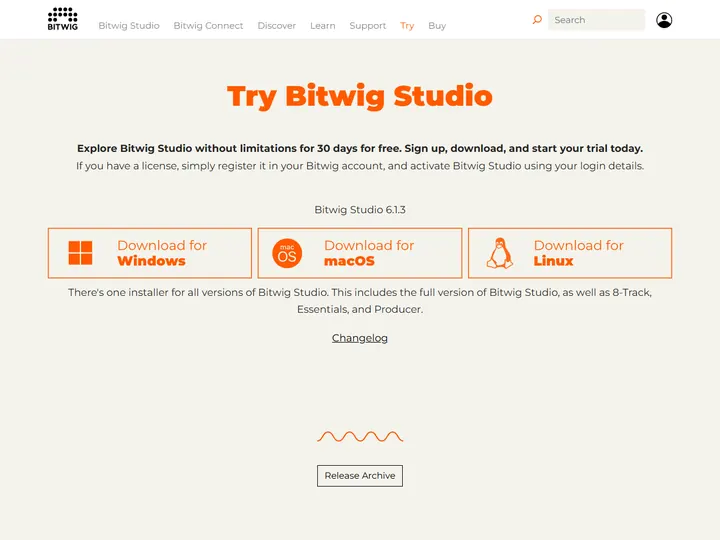
Terms: Paid license; 30-day trial available. Install: Official DEB for Ubuntu 24.04 or later or Flatpak for many other distributions. Plugins: VST2, VST3 and CLAP.
It is encouraging for Linux users to see Bitwig Studio fully supported on Linux. It is one of the best-known premium DAWs with a native Linux release, and its clip-based approach may feel familiar to Ableton Live users. Bitwig was created by former Ableton employees, but it has grown into its own program.
Bitwig Studio is highly regarded on Windows and Mac too, and the Linux version brings the same broad production workflow. The paid license and 30-day trial are worth keeping in mind if you are comparing it with the free options here.
Bitwig Studio is designed to be suited for both traditional “linear” multitrack recording, as well as clip-based live performances popular for electronic music. It comes with a vast wealth of inbuilt plugins, modulators, and devices and provides cutting-edge editing capabilities.
3. Renoise
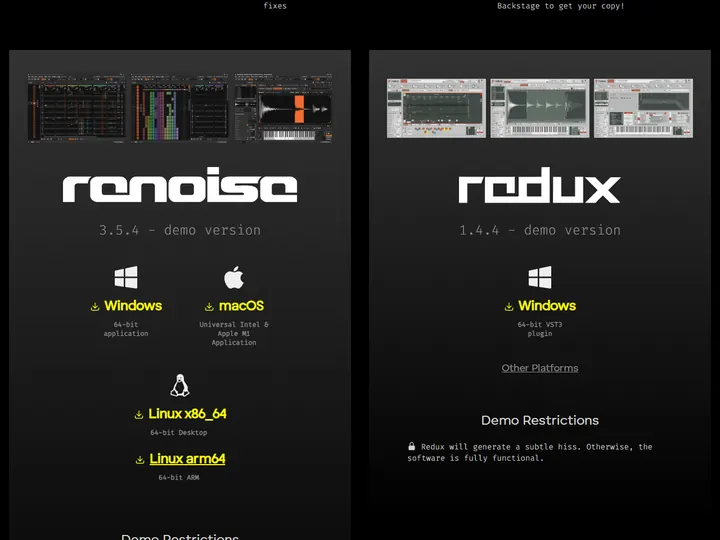
Terms: Paid license; free demo has export restrictions. Install: Linux download from Renoise, with licensed builds in the Backstage account. Plugins: Native Linux VST2 and VST3 plus LADSPA and DSSI.
Renoise takes an interesting approach to modern DAW production in that it chooses a top-down tracker approach over the conventional horizontally-arranged layouts in most contemporary DAWs. While this looks like it harkens back to the earliest days of computer-based music production, Renoise claims this approach with modern enhancements boosts speed and workflow efficiency.
Renoise works over the concept of building grids of audio called “patterns” and then arranging these patterns into “sequences” to build a complete song. Apart from its unusual approach to music-making, Renoise provides all the expected features of a modern DAW like FX plugins (inbuilt and third-party), advanced routing options, and a digital mixer.
Renoise is a great option for those who want to experiment with a different style of music production on a relatively affordable budget. The demo lets you explore the tracker, but its export restrictions mean you will need a license to finish some projects.
4. REAPER
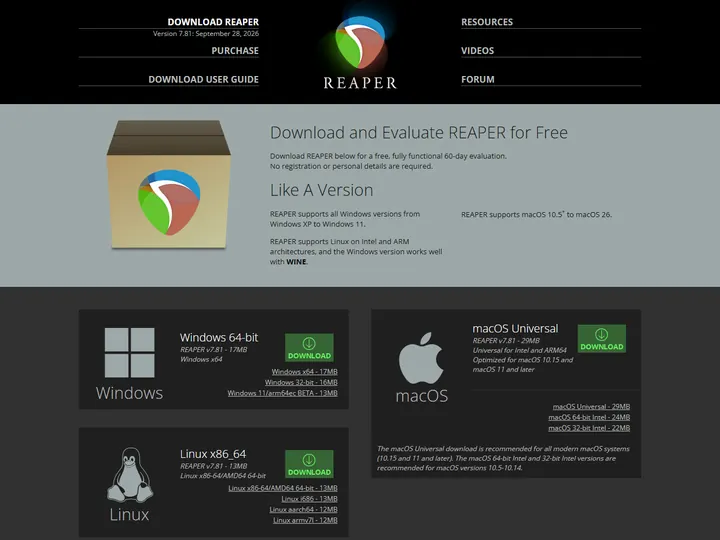
Terms: Fully functional 60-day evaluation, then paid license. Install: Official Linux download for x86 and ARM. Plugins: VST2, VST3, LV2, CLAP and JSFX.
Cockos REAPER is already a popular name in the DAW world, with its Mac and Windows versions earning praise for performance, customizability, and a robust support community. Linux now has its own native REAPER build, so there is no need to rely on the old WINE route to install the DAW itself.
The native Linux release carries over REAPER’s small footprint and highly customizable workflow. It includes useful effects and basic instrument tools and supports a wide range of Linux plugins. The 60-day evaluation is fully functional, but continued use after that requires a paid license.
5. LMMS
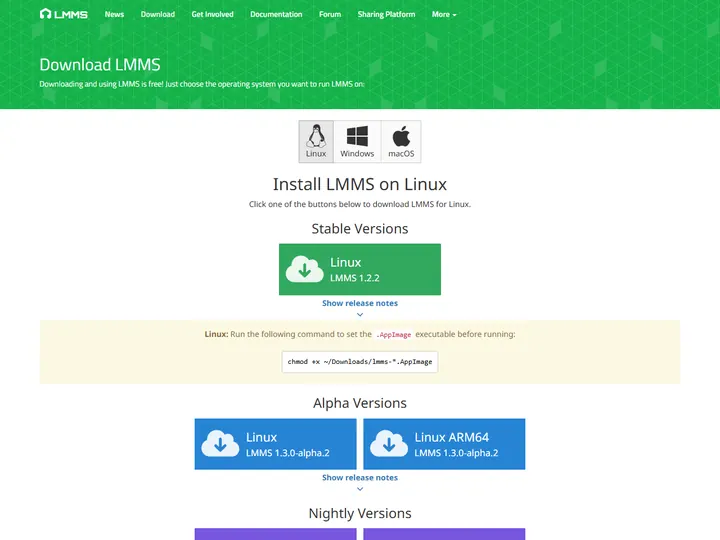
Terms: Free and open source. Install: Official AppImage is preferred; some distributions also package it. Plugins: LADSPA and supported Linux VST plugins.
LMMS is another open-source, free music production program for Linux, with versions for Windows and macOS too. It combines tracker-like pattern work with a sequencer and supports MIDI, bundled instruments, and compatible Linux plugins.
It also comes with a set of built-in tools and instruments like synthesizers, drum machines, and effects. Though it may not replace a premium professional DAW for every project, it is a great option if you want to start making electronic music completely free of cost. You cannot record live audio directly into an LMMS track, so pair it with an audio recorder when you need vocals or guitar.
6. Audacity
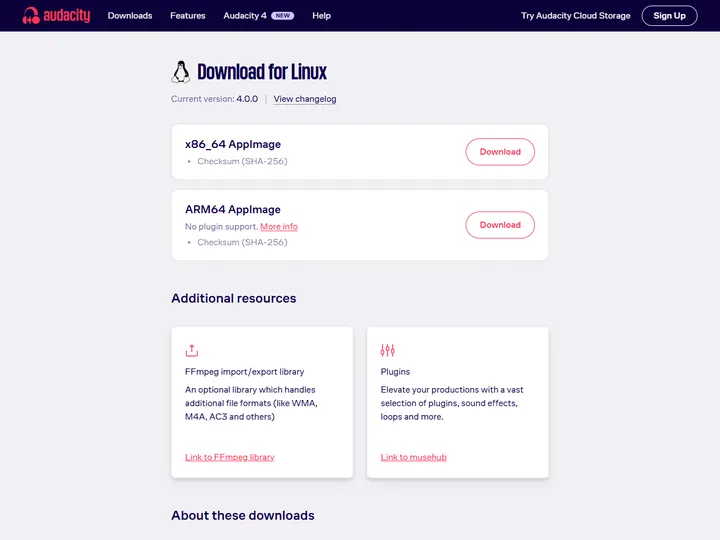
Terms: Free and open source. Install: Official x86_64 or ARM64 AppImage, or distribution package. Plugins: VST, VST3, LV2 and LADSPA effects on supported builds; current ARM64 AppImage has no plugin support.
Audacity is a free and open-source audio program that has been around since 1999. It is available without charge for Linux, Windows, and macOS systems, and remains a familiar tool for people who need to capture or tidy up a recording.
Audacity provides a useful range of effects and editing capabilities, although its feature set is not meant to rival a full professional DAW. Supported Linux builds can use LADSPA, LV2, VST, and VST3 effects, but virtual instruments are not its focus. The current ARM64 AppImage has its own plugin limitation, so check the download notes for your system.
Audacity is a simple program that can be used for quick audio recording or editing without the need for advanced mixing and editing capabilities. If you’re just beginning to learn about audio, Audacity is a good option to get the hang of the basics.
7. Waveform Free

Terms: Free edition; optional paid expansions. Install: Linux download from Tracktion; tested on Ubuntu 24.04 64-bit. Plugins: VST and VST3.
Waveform Free is a full DAW with plenty of useful features for music creators, producers, and even podcasters. It runs on Windows, Mac, and Linux, making it easier to keep a familiar workflow if you work across different computers.
Waveform supports Linux VST and VST3 plugins, opening the gates to further customization and creativity. It also offers optional expansion packs if you want more compositional tools and effects.
With efficient and seamless audio recording, intuitive programming for electronic producers, simple multitrack recording for podcasters, a pattern generator for songwriters, and flexible routing and integration for setting up in any environment, this DAW is an excellent choice!
8. Zrythm
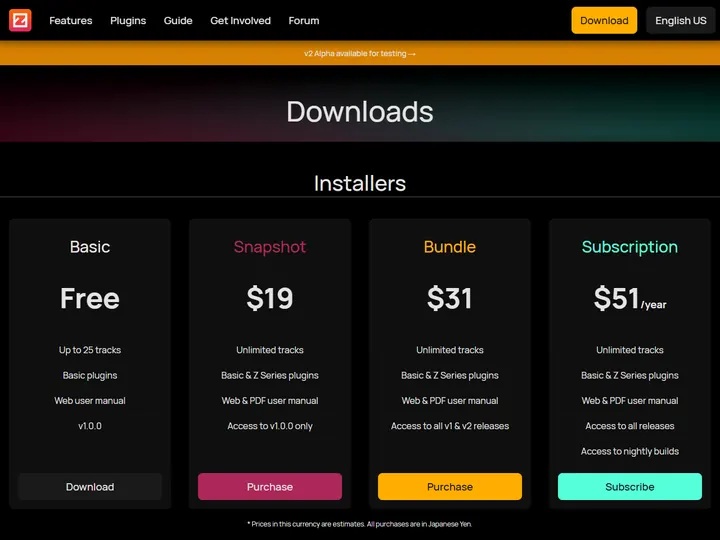
Terms: Basic v1 installer free up to 25 tracks; paid tiers remove limits. Install: Official GNU/Linux installer or source; v2 alpha AppImage is for testing. Plugins: LV2, VST and CLAP support varies by release and package.
Zrythm is another DAW on this list with both free and paid options. What makes it stand out is an approachable arranging interface. You can select, move, resize, loop, delete, and cut clips with the mouse as you build a project. The free Basic release has a 25-track limit, so larger sessions need a paid tier.
This DAW features an automated element that sparks creativity. With the Chord Assistance feature you can generate scales and chords on the fly and get that extra help when composing.
It supports Linux plugin formats that vary by release and package, including LV2 and selected VST or CLAP builds. Check the version you plan to install before choosing plugins for an important session. Zrythm is a growing DAW worth keeping an eye on, but its separate v2 alpha should be treated as a test version rather than the stable choice for finished work.
Pros of Music Production on Linux
1. Linux is a very efficient OS
A Linux setup can be kept lean, especially if you choose a lightweight desktop and avoid software you do not need.
That may leave more resources for your music software and effects, although low audio latency still depends on your interface, drivers, and settings.
Linux systems also report lower latency in audio recording than hardware-equivalent Windows and Mac systems, which is a great advantage when it comes to recording heavy sessions with dozens of inputs.
2. Linux is much more focused on open-source and free programs
Being a free OS developed by and largely for programmers and developers, there is a strong focus within the Linux community to make software open source and free. This enables end-users to become contributors and modify, expand, or improve upon a program however they desire.
Ardour and LMMS are good examples of fully-fledged DAW programs that are available for free and go on to prove that free doesn’t necessarily equate to poor quality.
Open-source programs are commonly developed and maintained by volunteers and funded by donations. There is thus a high degree of communication and feedback between developers and users.
Cons of Music Production on Linux
1. Audio setup can be tedious
Linux comes in various flavors, such as Ubuntu and Debian, and there is no single setup that works for every audio interface and DAW. This is part of the flexibility of Linux, but it can add a little homework when you are building a studio.
Many DAWs now provide ready-to-run Linux downloads, but the right package and audio settings still depend on your distribution and hardware. This can take more time than the familiar install process on another system.
Windows uses ASIO and macOS uses Core Audio for many music setups. On Linux you may work with ALSA, PipeWire, or JACK, depending on your distribution and the software you choose. Once it is configured well, the system can perform nicely, but the names and settings can be unfamiliar at first.
2. Audio interfaces might not work on Linux
Audio interface support varies by model. Many class-compliant USB interfaces work, but specialist features or control panels may not have Linux versions. Check the exact model before you buy or switch your studio computer.
It can be frustrating to discover that an interface plays audio but its virtual mixer or routing app is unavailable. Features such as loopback and internal routing sometimes depend on that extra software, so basic compatibility may not tell the whole story.
3. External USB devices might not be compatible
As with audio interfaces, compatibility with MIDI controllers varies. Basic class-compliant MIDI functions may work at once, while mapping software and extra controls can take more effort.
If you rely on detailed controller mapping, these extra steps can interrupt an otherwise simple setup. Test the device you own, or look for reports from other users with the same model.
4. Linux may take some learning
Linux can require a little more familiarity with packages, permissions, and audio services than a typical Windows or Mac setup. The exact learning curve depends on the distribution you choose and the hardware you already own.
Distributions such as Ubuntu offer plenty of graphical tools, but you may still need a terminal command or two to install a particular package or diagnose an audio problem. That can be a hurdle if you would rather spend the time recording.
The good news is that the DAWs on this list give Linux users more polished interfaces than they had in the past. Even so, it is worth trying your full recording workflow before deciding that a new setup is ready for important work.
5. Some plugins have no Linux version
Linux has plugin formats such as LADSPA and LV2, along with native Linux VST and other formats supported by particular DAWs. Some favorite commercial plugins still have no Linux release, so check your own plugin collection before switching.
A compatibility bridge can sometimes run Windows plugins, but results vary. Some plugins work well, while others have installation, licensing, or stability problems.
For important projects, a supported native Linux plugin is the easier option to maintain.
Summary
Audio production on Linux is a growing field with a dedicated open-source community and more commercial DAWs than it had a few years ago. In my view, the best choice still depends on your hardware and the plugins you need, rather than on the operating system alone.
If you are already comfortable with Linux, Ardour, REAPER, Waveform Free, Bitwig, and the other programs above give you plenty of ways to build a studio. If you are moving an existing Windows or Mac setup, check your interface, controller, and favorite plugins first. Those practical details can make the difference between an easy switch and a frustrating one.
For a free start, try a native download or distribution package and make a short test project before you move important sessions. That will show you whether the recording, MIDI, and plugin workflow feels right for the music you want to make.